

In a world where scrolling through social media can feel like a competitive sport, keeping tabs on screen time has never been more crucial. If your iPhone’s screen time report looks more like a full-time job than a casual pastime, it’s time to take action. After all, nobody wants to be that person whose phone battery lasts longer than their attention span!
Understanding Screen Time
Screen time management becomes crucial in today’s digital landscape. Monitoring how often one uses their iPhone affects overall well-being.
What Is Screen Time?
Screen time refers to the duration spent on digital devices like smartphones and tablets. It encompasses all activities that involve a screen, including social media, gaming, and browsing. Users can track this through the Screen Time feature on iPhones. This built-in tool provides insights into daily usage trends, app interactions, and overall device engagement. By understanding screen time, individuals can make informed choices about their digital habits and seek a healthier balance with technology.
Importance of Monitoring Screen Time
Monitoring screen time fosters awareness of technology’s impact on daily life. Frequency and duration of usage can significantly influence mental and physical health. Excessive screen time is often linked to issues such as sleep disturbances, anxiety, and decreased productivity. By regularly checking screen time statistics, users gain insights into areas where they may need to cut back. This awareness encourages individuals to prioritize face-to-face interactions and engage in offline activities. Tracking these metrics serves as a proactive measure for maintaining a balanced lifestyle amidst digital distractions.
How to Check Screen Time on iPhone
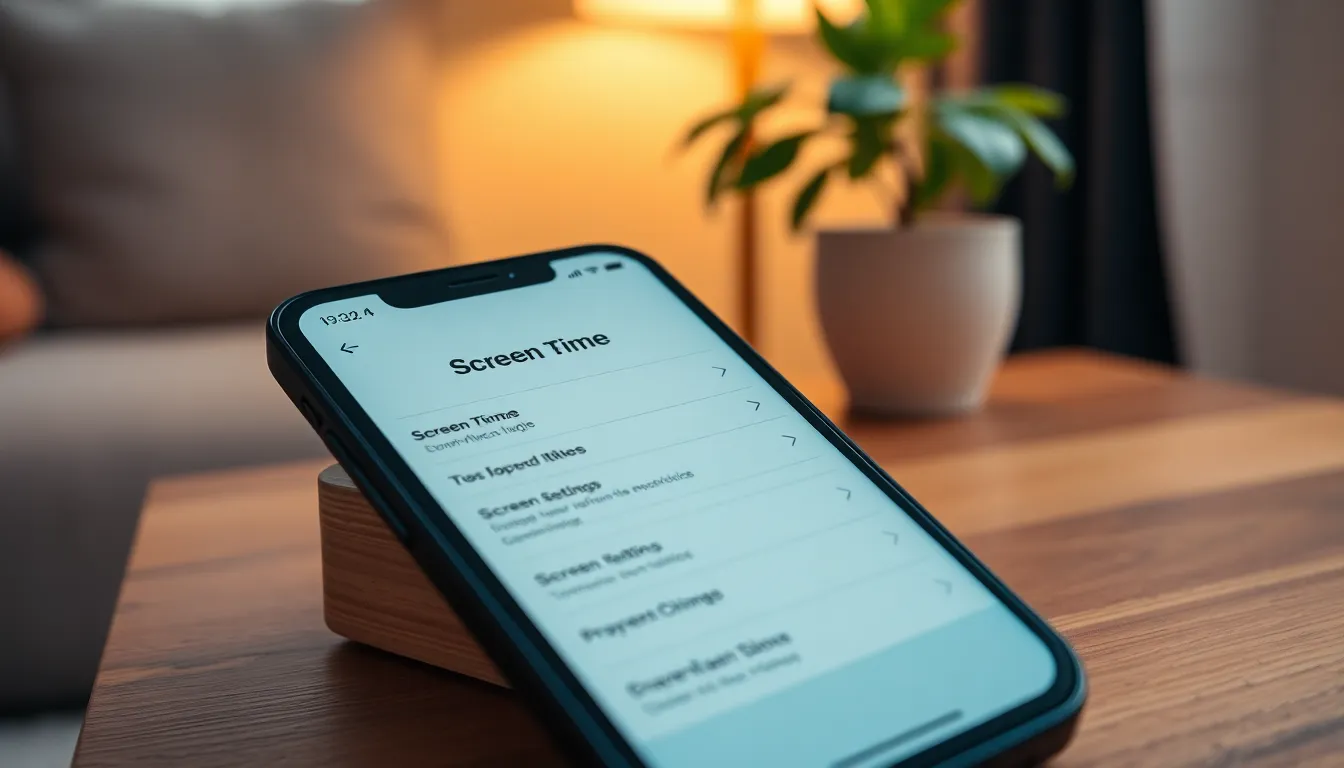
Checking screen time on an iPhone involves a few straightforward steps. Users can gain insights into their usage patterns, which can help them manage their digital habits.
Accessing Screen Time Settings
Users access the Screen Time settings by opening the Settings app. Screen Time appears as a distinct option, usually towards the top. Tapping on it reveals metrics about daily and weekly usage. Within this section, preferences can also be adjusted, such as setting limits on app usage or scheduling downtime. Overall, it provides a comprehensive overview of device activity.
Interpreting Your Screen Time Data
Interpreting screen time data requires understanding the displayed metrics. The main overview shows total hours spent on the device and breakdowns by app categories. Individual app usage reveals specific time allocations, helping users identify heavy usage patterns. Notable features include the “Most Used” and “Notifications” sections, which highlight frequently accessed apps and alert frequencies. By recognizing trends, individuals can make informed decisions to reduce unnecessary screen time and encourage more balanced activities.
Features of Screen Time
Screen Time offers valuable tools to help users manage their digital consumption effectively.
App Usage Reports
App Usage Reports provide detailed insights into how much time is spent on various applications. Users can view daily and weekly summaries, showcasing which apps are the most frequently used. This data helps identify trends in device interactions, allowing individuals to evaluate their habits critically. The “Most Used” section highlights applications that may require attention for excessive use. Notifications from different apps are also available, giving a clearer picture of engagement levels. By analyzing this information, users can make informed decisions about their digital activities, leading to improved time management.
Setting Downtime and App Limits
Setting Downtime and App Limits allows users to control their device usage proactively. This feature lets individuals schedule periods when only essential apps are accessible. Downtime can promote focus during work hours or facilitate quality time with family and friends. Meanwhile, App Limits restrict time spent on specific applications, encouraging healthier usage patterns. Users can set daily limits for individual apps or categories, such as social media or games. These measures help increase awareness of screen time, supporting balanced digital habits and enhancing overall well-being.
Tips for Managing Screen Time
Managing screen time promotes healthier technology habits and provides balance in daily life. Implementing simple strategies helps individuals maintain a positive relationship with their devices.
Establishing Healthy Usage Habits
Setting specific times to use devices fosters healthier habits. Scheduling tech-free periods, especially during meals or before bedtime, encourages mindfulness and face-to-face interactions. Limiting notifications can reduce distractions and help maintain focus on essential tasks. Using features like app limits prevents excessive use of particular applications, aiding in the establishment of more controlled habits. Routine evaluations of screen time data showcase trends and areas for improvement, enabling individuals to prioritize well-being over screen engagement.
Utilizing Screen Time for Productivity
Using Screen Time effectively enhances productivity. Prioritizing work hours by restricting non-essential apps during these times boosts focus. Regularly reviewing app usage statistics reveals which applications consume the most time, allowing users to make more informed choices. Setting app limits for social media or gaming aids in creating designated breaks instead of mindless scrolling. Creating a balanced schedule that includes both screen and offline activities encourages a productive lifestyle while supporting mental health. Combining these strategies enables individuals to leverage technology efficiently while minimizing potential distractions.
Monitoring screen time on an iPhone is vital for maintaining a healthy relationship with technology. By utilizing the Screen Time feature users can gain valuable insights into their digital habits and make conscious decisions to improve their well-being.
Establishing boundaries and setting limits not only enhances productivity but also encourages a balanced lifestyle. Prioritizing offline interactions and tech-free periods can significantly reduce stress and anxiety.
With consistent awareness and proactive management of screen time individuals can foster healthier habits and enjoy a more fulfilling life beyond the screen.